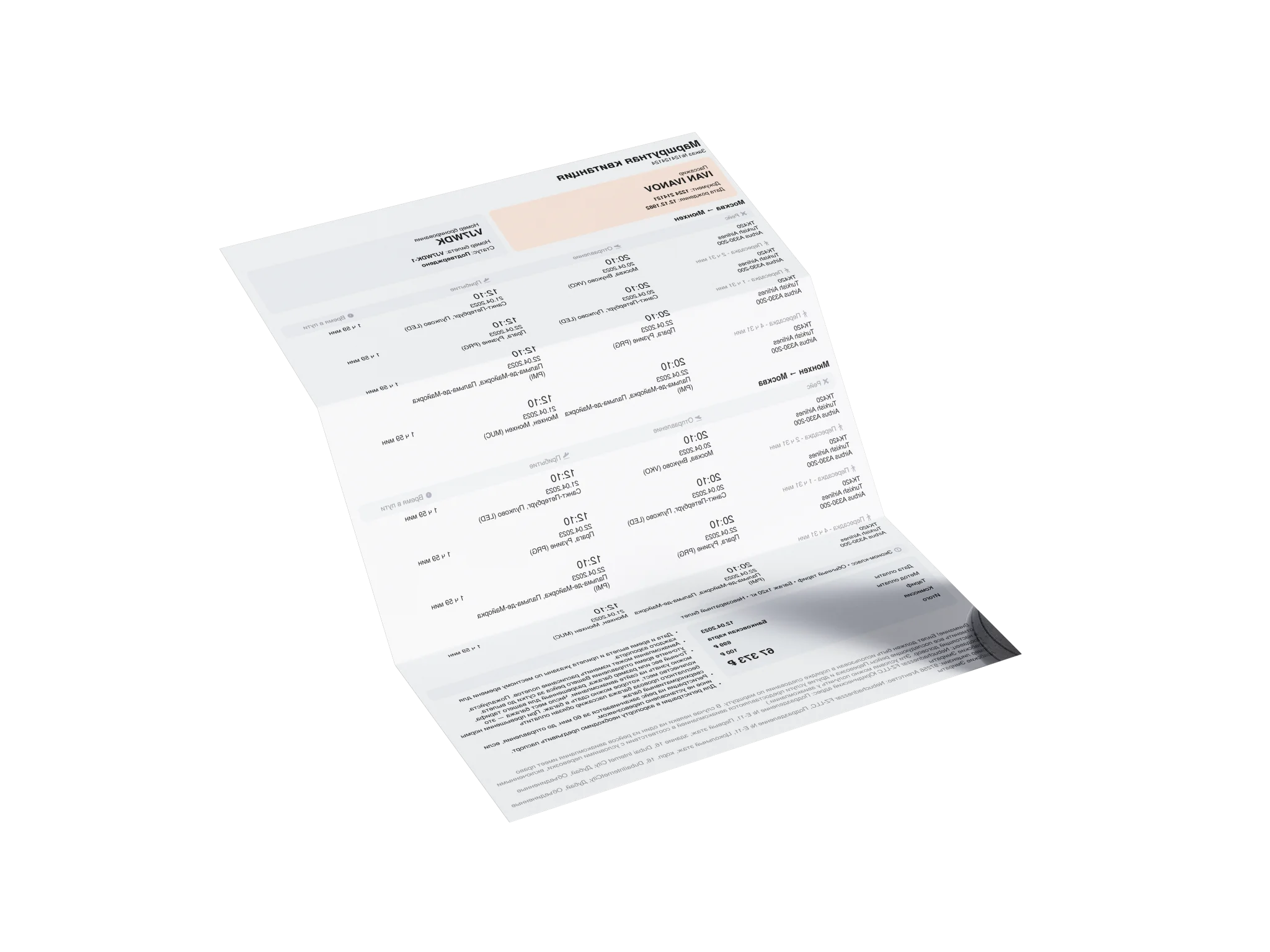
An onward ticket is a flight reservation showing your planned departure from a country without requiring you to purchase the flight. You receive a flight itinerary with passenger details, flight information, and a booking reference (PNR).
Yes. AirSurfer provides flight reservations with a PNR code. Depending on the booking type, you can verify your reservation through the airline's website or the relevant booking system.
A flight reservation confirms a booking in the reservation system but doesn't allow you to board the flight. You need a paid, issued ticket to travel.
A flight reservation may serve as proof of your planned departure. However, some airlines and immigration authorities require a paid return or onward ticket. Acceptance is always at their discretion.
Yes. AirSurfer provides genuine flight reservations with a unique PNR code. You can use it to check your reservation status and validity in the relevant booking system.
AirSurfer offers reservations valid for 48 hours to 30 days, depending on the selected plan. Actual validity may also depend on the airline and reservation system.
A short-term reservation is often sufficient if it's active during airline check-in and immigration checks. Before booking, make sure the document meets the requirements of your destination and airline.
Choose a plan based on the expected processing time. If the embassy may check your reservation several days after submission, consider a longer validity period.
Yes. Airlines may shorten the holding period or cancel unpaid reservations under their own policies. If this happens, contact AirSurfer support to review the available options.
Yes. Even if you initially selected a one-way trip, you can add a return flight reservation during the add-ons step.
This lets you book both directions without starting the booking process again.
Enter your route, travel dates, and number of passengers. Choose a flight and plan, enter the passenger details, and complete your payment. Your flight itinerary will be sent to your email.
Your itinerary usually arrives within 5 minutes of payment. Some bookings may require additional processing time.
Yes. Select a round-trip journey and enter both travel dates. One-way reservations are also available.
Yes. Select the Scheduled Booking add-on at checkout and choose your preferred date and time. AirSurfer will automatically create your reservation as scheduled.
This is useful if you need your reservation closer to your departure date or visa appointment.
Check your spam and promotions folders and make sure you entered the correct email address. If you still can't find it, contact AirSurfer support with your order number or the email address used for booking.
You can verify your reservation on the airline's website or through the relevant booking system.
The verification link and PNR code are available in your booking confirmation email or on your order page under Find Booking. You can also scan the QR code on your flight itinerary.
Enter your PNR code and the passenger's last name to check the reservation.
Your PNR is a 6-character code containing letters and numbers. You can find it on your flight itinerary next to the passenger details and in your booking confirmation email.
Go to Find Booking and enter your PNR code or ticket number (for Air Pro), along with the passenger's last name. On your order page, you can view your booking details, check its status, and access the verification link for the airline or booking system.
Not all reservations can be verified directly through the airline's website. Depending on the booking type, verification may be available through another reservation system. Contact support if you can't locate your booking.
Changes depend on the reservation type and current booking status. If you notice an error or need to change your itinerary, contact support as soon as possible.
Check your reservation status through AirSurfer and contact support. We'll review the cancellation and explain the available options for your order.



 Flight Itinerary Sample